Free
$0
Standard engine
- Unlimited standard real-time dictation
- 2 file or link transcriptions a day
- 1 device
Voice typing into any window on Windows. Real time, in your language.
Windows Real time Your language
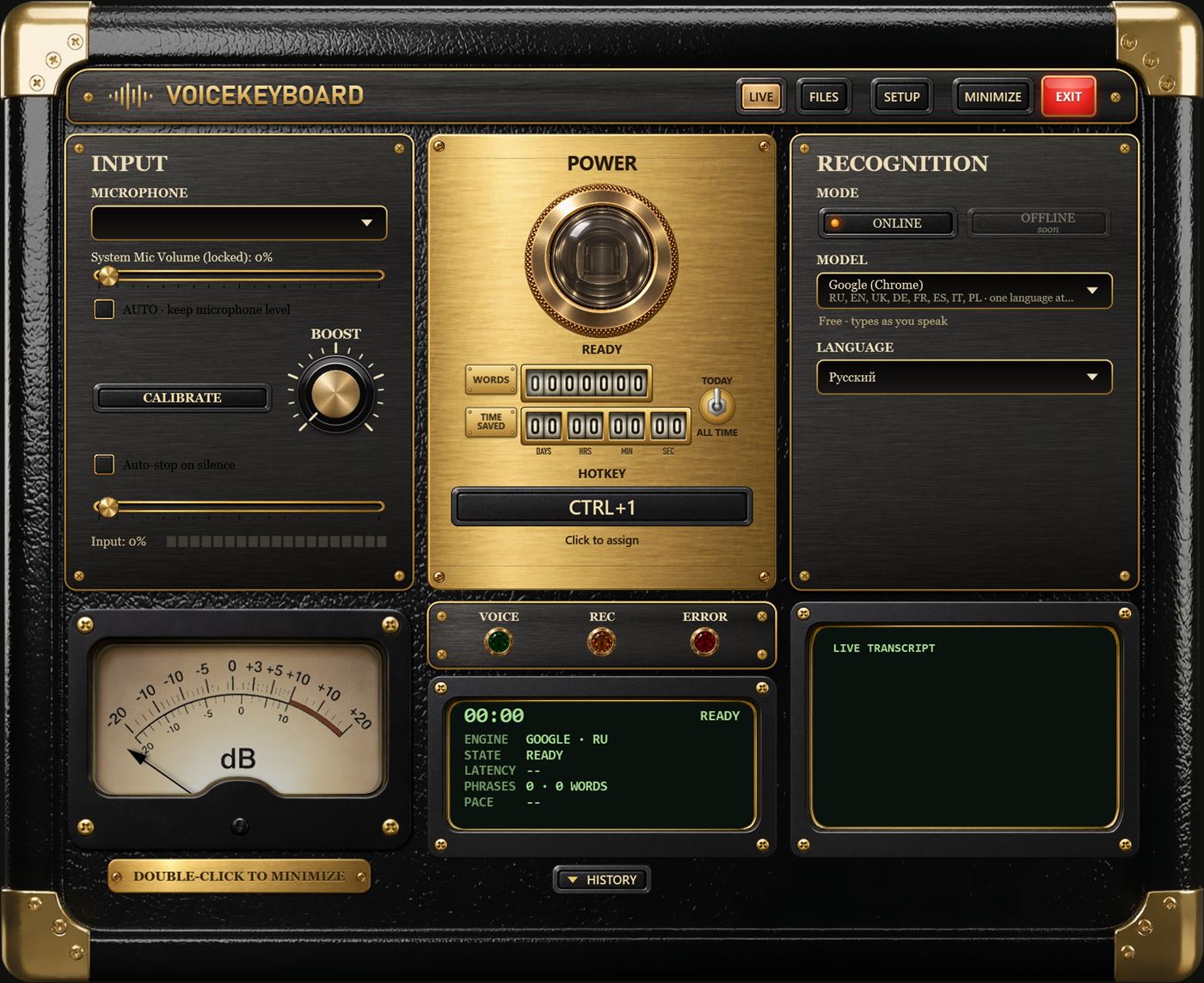
Great for vibe coding, prompts for AI chats, emails, chat messages, notes and journaling, documents and reports, code comments and commit messages, translations, and subtitles from videos.
Start with one shortcut.
Say what you want to write.
In the active window, as you speak.
Words appear as you speak.
A free unlimited standard engine, or premium engines with automatic language detection (Pro).
Transcribed offline, on your PC.
See how many words you dictated and how much typing time you saved.
Choose offline engines and your audio never leaves your PC. Online engines send audio to the speech provider only to transcribe it; VoiceKeyboard keeps no recordings.
English · Español · Русский · 日本語 · हिन्दी
$0
Standard engine
Recommended
$9.99 / month
billed yearly — $119.88 Save 33%
Windows 10 and 11 Coming soon
Standard download ≈ … MB
Small. Offline models are downloaded inside the app when you need them.
Includes offline speech models ≈ … MB
Large download. Works without internet from the first start.
Yes. VoiceKeyboard types into the active window — a browser, a messenger, a document, a code editor. Put the cursor where you want the text, press the hotkey and speak.
One Windows limit: a window that runs as administrator may not accept typing from a regular app.
The standard engine understands many languages; you pick the one you speak. Premium engines (Pro) detect the language automatically and cover 60+ languages.
Yes — Pro includes offline engines that run on your PC; file transcription is always offline.
With an offline engine (and for file transcription) everything stays on your PC. With an online engine your audio is sent to that engine's provider to be transcribed; VoiceKeyboard does not store your recordings. You choose the engine.